comprar-app-stellatv
tvbox - stellatv

Install Stella TV on TVBox

Here you can install Stella TV on your Android TV Box by following a few simple steps. Follow the instructions on this page to complete the installation and start using the app.

Stella TV can be used on Android-compatible TV Boxes. Compatibility may vary depending on the model, Android version, and device specifications.

REQUEST DOWNLOAD CODE

How to install StellaTV on Android TV Box

From your Android TV Box, open the app store and search for Downloader. Download and install the app to continue with the Stella TV installation.
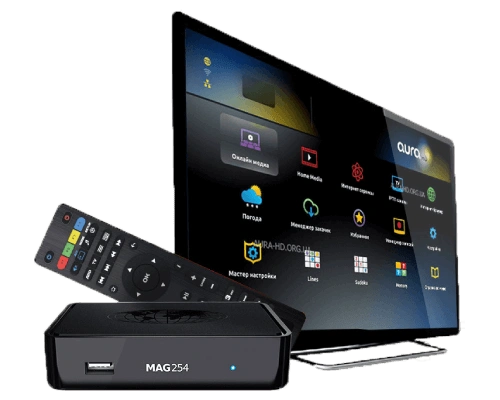
Open Downloader and enter the Stella TV download code or link we provide directly. Select GO, wait for the download to finish, and then select install. Once the installation is complete, open Stella TV.

stellatv-tv-precios

StellaTV for TV Box

Enjoy Stella TV on your Android TV Box and access a wide variety of digital content directly from your TV. Check out our plans and choose the option that best fits your needs.

BUY STELLA TV
img 01

FAQ

FREQUENTLY ASKED QUESTIONS

Find answers to the most frequently asked questions about installing, using, and checking the compatibility of Stella TV on Android TV Boxes.

preguntas
How do I install Stella TV on an Android TV Box?

The easiest way to install Stella TV on an Android TV Box is by using the Downloader app. Install Downloader from the app store, open it, and enter the Stella TV download code or link that we provide directly.

After downloading the file, select Install and follow the on-screen instructions.

If you experience any issues with Stella TV on your TV Box, first check your Internet connection and make sure you have the latest version of the app installed. You can also close and reopen the app or restart your TV Box.

If the problem persists, contact us so we can help you check the installation and make sure Stella TV is working properly.

Stella TV is compatible with TV Boxes that run Android and allow Android apps to be installed. Compatibility may vary depending on the model, operating system version, and device specifications.

If you are unsure whether your TV Box is compatible, contact us before installation and we will help you verify compatibility.

To install Stella TV outside of Google Play, Android may ask for permission to install apps from unknown sources. The location of this option may vary depending on your Android version and TV Box model.

When prompted by the system, temporarily enable this permission for the app you are using to download the file, such as Downloader or your browser. After installing Stella TV, you can disable this permission again.

If you prefer not to use Downloader, there are other ways to install Stella TV on an Android TV Box. You can use a compatible web browser or transfer the installation file from another device.

The required Android version may depend on the current version of Stella TV and your TV Box model. We recommend using a device with an up-to-date version of Android that is compatible with the app.

The required Android version may depend on the current version of Stella TV and your TV Box model. We recommend using a device with an up-to-date version of Android that is compatible with the app.

If you are unsure about your TV Box compatibility, contact us before installing Stella TV and we will help you verify it.