comprar-app-stellatv
futbol - stellatv

Install StellaTV on smart tv

You can install Stella TV directly on Smart TVs that support Android TV, including models from brands such as Xiaomi, Sony, Hisense, and other TVs that use the Android TV operating system.

If your TV does not allow you to install the Stella TV app directly, you can use a compatible device connected via HDMI, such as a Fire TV Stick or an Android TV Box.

REQUEST DOWNLOAD CODE

INSTALLATION

How to install StellaTV on a Smart TV

Method1: Method 1: Direct installation on a Smart TV compatible with Android TV.

On your Smart TV with Android TV, open the app store and search for DownloaderDownload and install the app to use it in the next step.
Open Downloader and enter the Stella TV download code or link we provide. Select Go, wait for the download to finish, and then select install. Once the installation is complete, open Stella TV to continue with the setup.

stellatv-tv-precios

StellaTV for smart TV

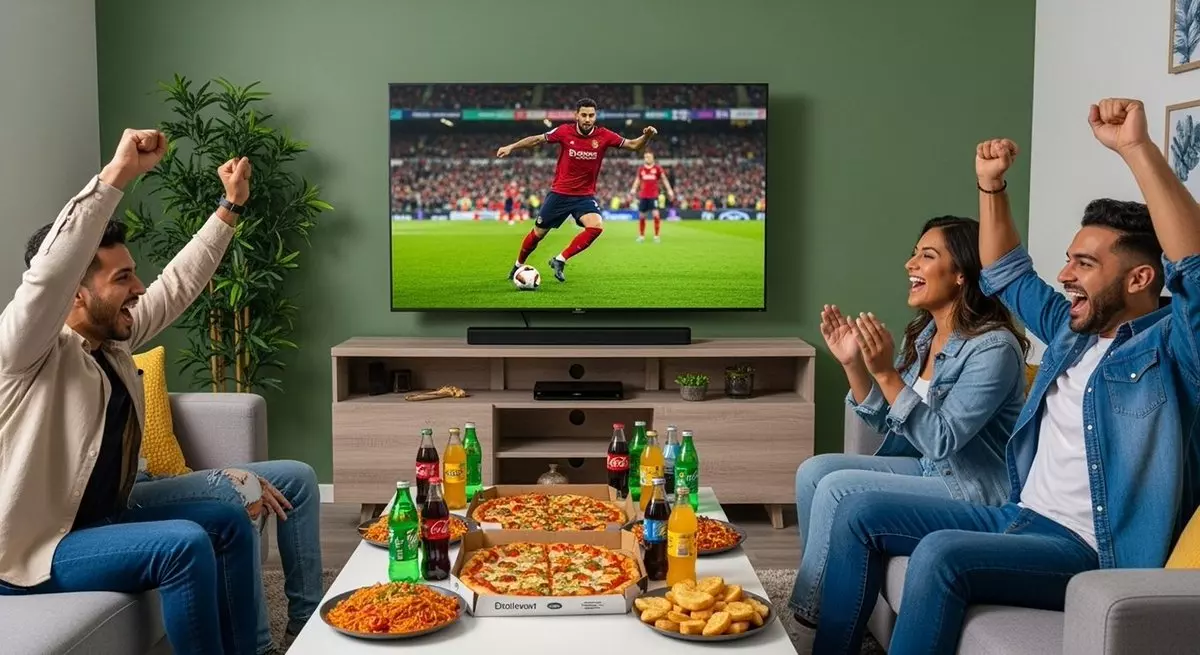
Enjoy Stella TV on your Android TV-compatible Smart TV and easily access channels, movies, series, and other content directly from your TV.

If your Smart TV does not support direct app installation, you can use a compatible device such as a Fire TV Stick or Android TV Box connected via HDMI.

BUY STELLA TV
img 01

FAQ

FREQUENTLY ASKED QUESTIONS

Find answers to the most frequently asked questions about installing and using Stella TV on Smart TVs, including device compatibility.

preguntas
How to download Stella TV on a smart TV?

Stella TV can be installed directly on Smart TVs that support Android TV. Download the Downloader app, request the Stella TV download code or link from our team, and follow the installation instructions.

If your TV does not use Android TV, you can connect a compatible device such as a Fire TV Stick or Android TV Box.

Stella TV cannot be installed directly on Samsung TVs running Tizen or LG TVs running webOS. To use Stella TV on these TVs, you can connect a compatible device such as a Fire TV Stick or Android TV Box via HDMI.

Stella TV is compatible with Smart TVs that use Android TV and support the installation of Android apps. Compatibility may vary depending on the TV model and operating system version.

If you are unsure whether your TV is compatible, contact us before installation and we will help you verify compatibility.

If you experience any issues with Stella TV, first check your Internet connection and make sure you have the latest version of the app installed. You can also close and reopen the app or restart your device.

If the problem persists, contact us so we can help you check the installation and make sure Stella TV is working properly.

Yes. You can request a free Stella TV trial to check the compatibility and performance of the service before purchasing a plan.

Contact us to request your free trial and receive the installation instructions.

The ability to cast from a phone to a TV depends on the device, operating system, and available casting features.

For a more stable experience, we recommend installing Stella TV directly on a compatible device, such as Android TV, Fire TV Stick, or an Android TV Box.